Analytics

Users with the following roles have access to this utility: Owner, Administrator
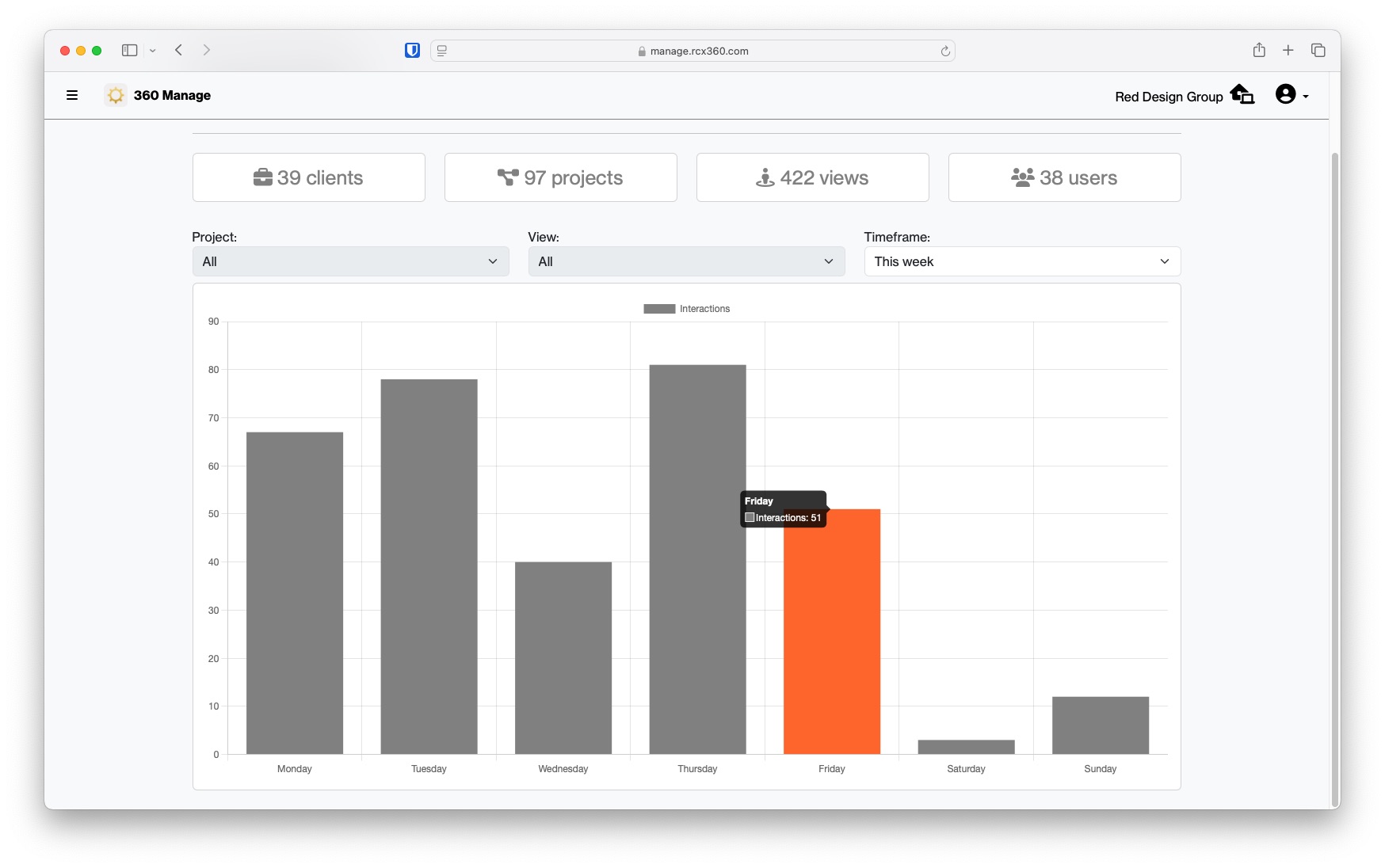
The analytics page allows users to view information about the different content in a workspace.
This utility will display the number of content currently created in your current workspace. Along the top of the page are counters for the following metrics;
- Clients
- Projects
- Views
- Users
Underneath the counters is a graph. This graph displays metrics for the current year.
Related Articles
The Dashboard
Also known as the "home" page. The main functions in 360 Manage can be accessed from here. Each tile on this page will allow you to perform the following functions Projects: allows you to create and edit projects and their views. Clients: create and ...