Signing in
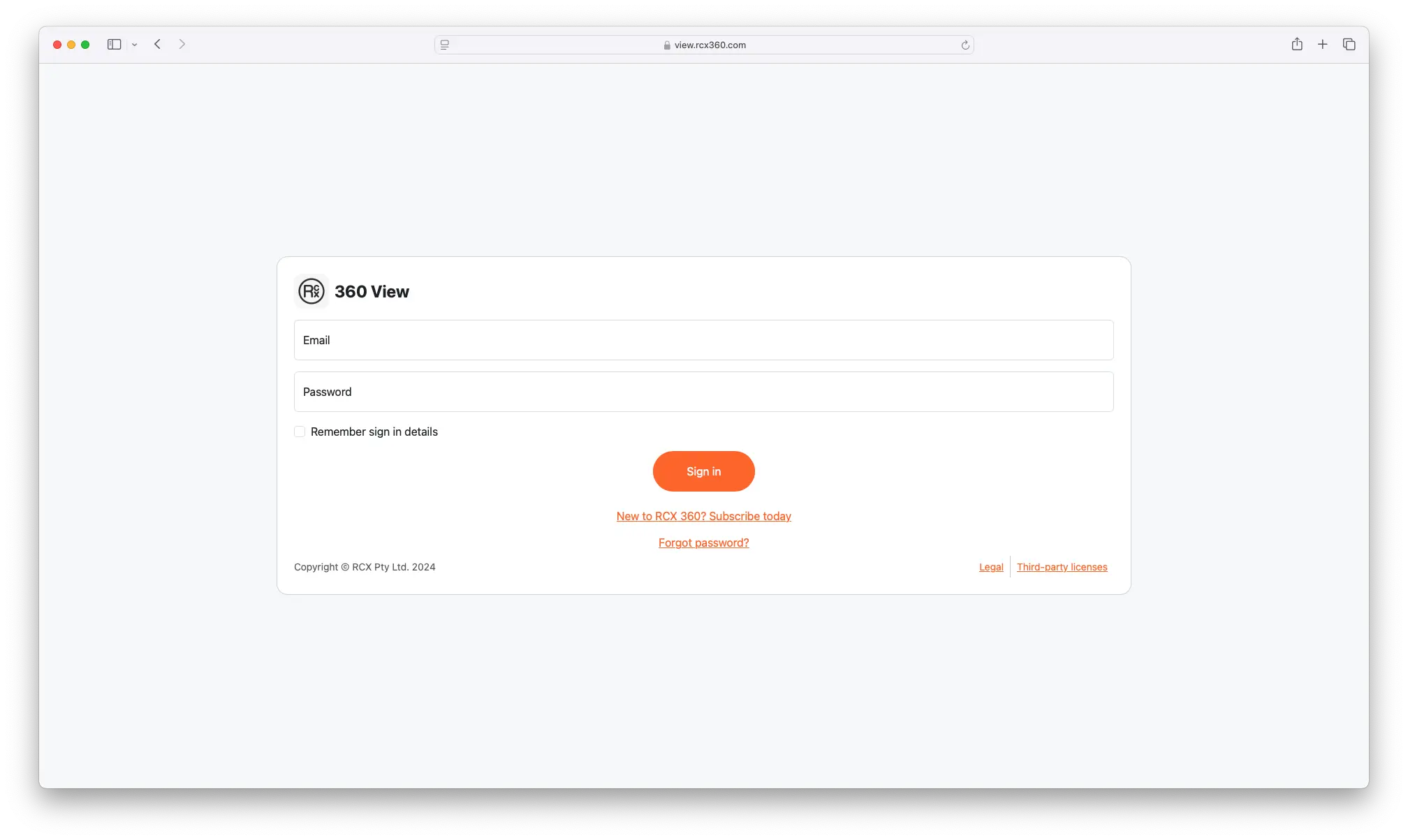
The sign-in page is quite similar to the sign-in page for 360 Manage.
Any account is able to sign-into 360 View, regardless of their role. When you sign in, you can:
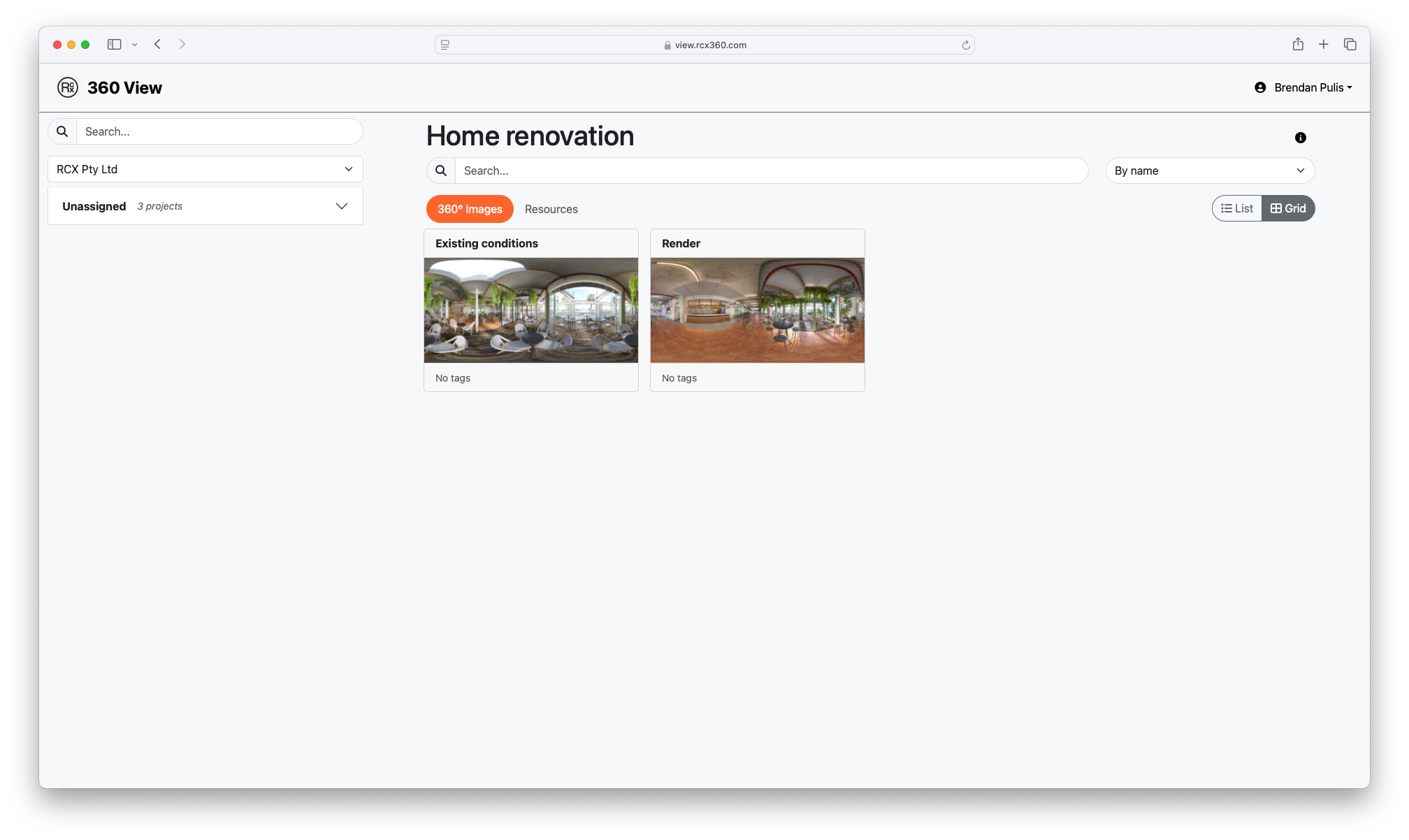
- View projects and views assigned to you, regardless of their access status.
- View resources of projects you are assigned to.
If you have forgotten the password for your account, it is possible to reset it here by clicking the "Forgot password?" link.
info
Please note: clicking "Forgot password?" will redirect you to 360 Manage, where the password reset process will continue. Remember to return to 360 View to sign in after resetting your password.