Signing in
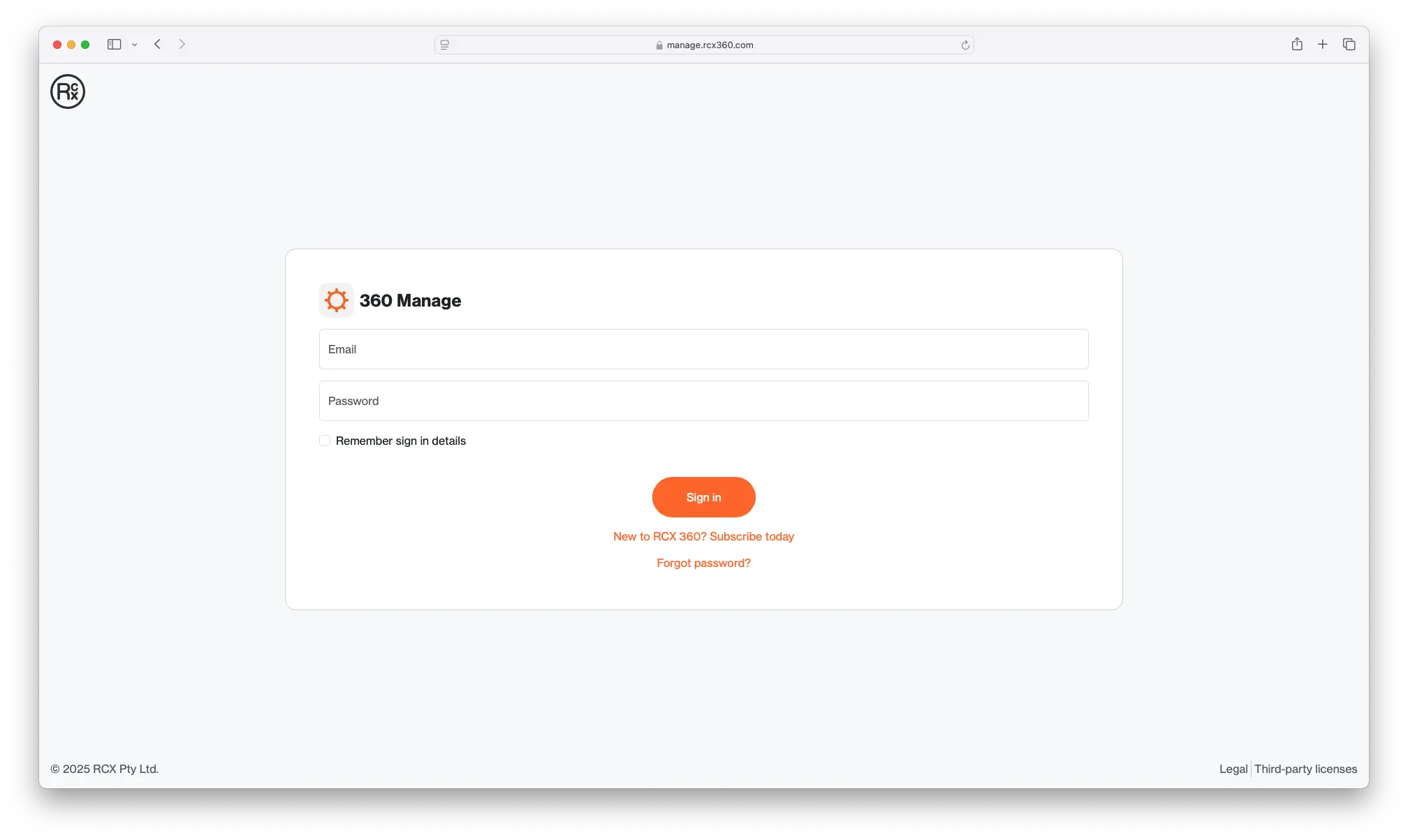
The sign-in page is the first page you will be met with when accessing 360 Manage.
It can be accessed here: https://manage.rcx360.com.
An account with sufficient privileges is required to use the service. If you do not have an account, you can either sign up for a subscription at our website, or ask to be invited from someone who does. Once you sign up, you will receive an email with a link to confirm your email address. Click the link to confirm your email address and activate your account.
To sign in, enter the email and password associated with your account. This will have been set up during the account creation process. If you have forgotten the password for your account, it is possible to reset it from this screen by clicking "Forgot password?".